The next mailbox, on a key
Ctrl+Tab moves to the next mailbox and Ctrl+Shift+Tab to the one before. It’s Ctrl on a Mac too, and it works while you type.
Gmail lets you sign in to several accounts at once, each in a tab of its own. Here’s how, the other ways to keep them side by side, what each one costs, and how Dodosend does it.
Free for one Gmail mailbox, on macOS, Windows, and Linux.
Gmail remembers each account you add, so the next time it’s one click away. The first account you sign in to usually becomes the default: the one Gmail opens with.
Each one has a catch. Prices are as each app’s own site gave them in October 2026.
| Way | How it works | Cost | Watch out |
|---|---|---|---|
| Gmail’s account switcher | Add each account from your profile picture, and pick one from the same place. | Free | One tab per account, and nothing brings their mail together. |
| Browser profiles | A Chrome or Edge profile for each account, each in a window of its own. | Free | A whole browser per account, and still nothing brings their mail together. |
| Forwarding into one Gmail | Each account forwards its mail to the one you read. | Free | Forwarding still works, but Gmail’s own fetching (“Check mail from other accounts”) and Gmailify end in January 2027. |
| A web wrapper | Wavebox, WebCatalog or Shift wrap Gmail’s website in a desktop app that keeps each account signed in on its own. | Wavebox: free for two Gmail accounts, Pro $99 a year. WebCatalog: free for two apps, Pro $5 a month billed yearly. Shift: free for five spaces. | It’s still Gmail’s website inside. Shift is for Mac and Windows only. |
| A client with a unified inbox | Spark, Canary Mail, Mailbird and eM Client put every account, from any provider, in one inbox. | Spark and Canary Mail: free, with unlimited accounts. Mailbird: the unified inbox is on Premium. eM Client: free at home for two accounts. | Mailbird and eM Client reach Gmail over IMAP, where labels become folders or tags. |
| Dodosend | A desktop app for Gmail that opens one mailbox at a time, with Ctrl+Tab to the next. | Free for one mailbox; the Multi-mailbox plan, monthly or yearly, for more. | No unified inbox, and only Gmail and Google Workspace accounts. |
Dodosend opens one Gmail mailbox at a time and moves to the next on a key. Free covers one; the Multi-mailbox plan covers as many as you like.
Ctrl+Tab moves to the next mailbox and Ctrl+Shift+Tab to the one before. It’s Ctrl on a Mac too, and it works while you type.
The switcher at the top of the sidebar lists your mailboxes, with a search once you have five. The palette finds one by its address, too.
Switch back to a mailbox and it opens on the page you left it on.
The switcher counts the new mail in each mailbox you’ve opened since starting the app.
There’s no unified inbox. Each mailbox stays itself, with its own Inbox and labels, the way Gmail keeps them.
Personal and work accounts alike, each connected with Google sign-in.
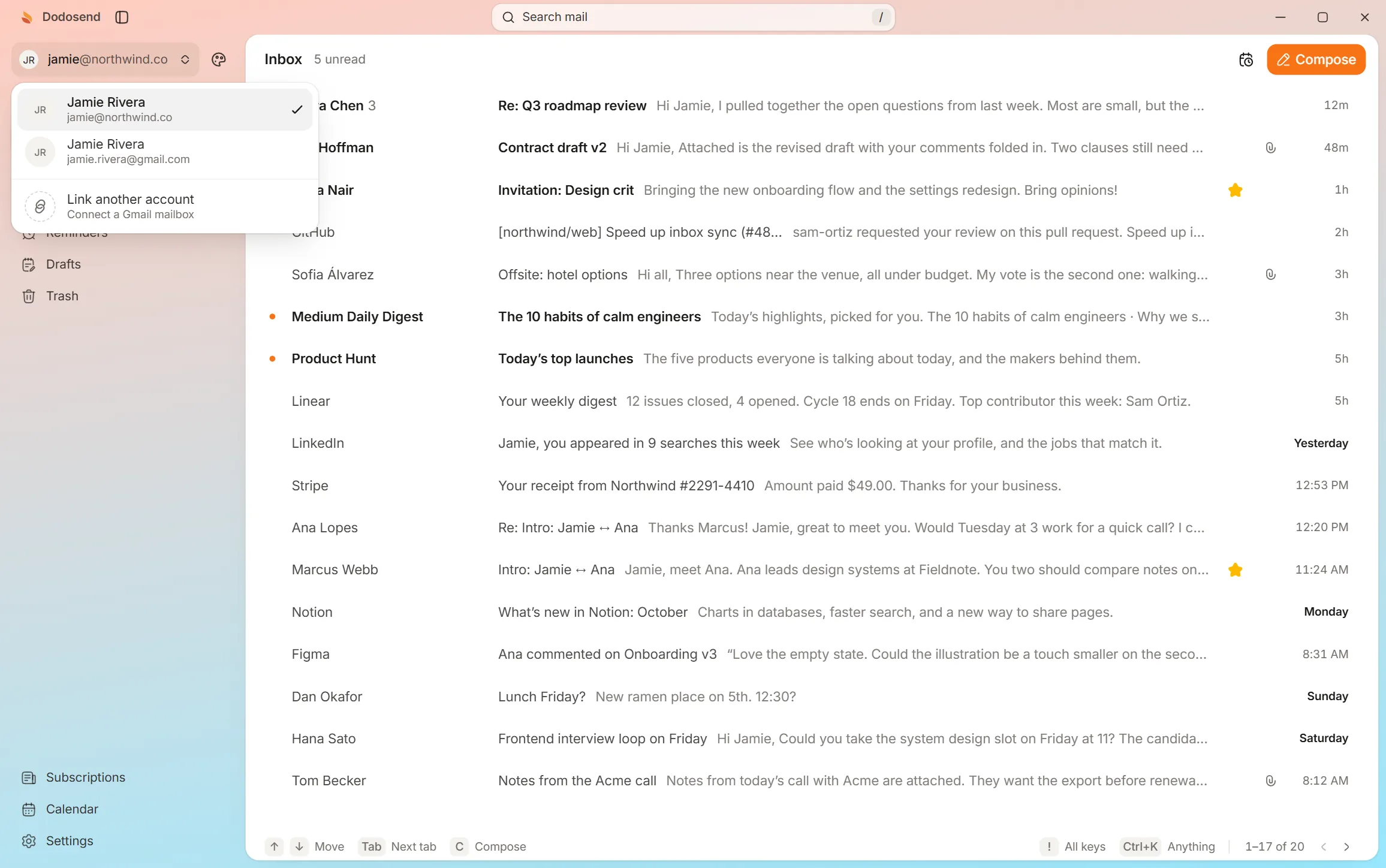
The demo has one sample mailbox, so there’s nothing to switch to. The rest is the app as it is: move, star, archive and undo, one key each.
Interactive demo. A hands-on look at how it works: use your keyboard or mouse, and the guide shows you what to do. The mail is made up.
10 threads
Press ↓ to move to the next thread.Tap “Show me” to move to the next thread.
Move, star and archive from the keyboard. Nothing is final: undo brings it back.
Choosing between Gmail apps? See how Dodosend compares with Superhuman, Mimestream and Shortwave, or the best email clients for Gmail.
Not on Gmail’s website: each account keeps its own inbox, in its own tab. The Gmail app on phones has an All inboxes view, and desktop clients like Spark, Canary Mail, Mailbird and eM Client have a unified inbox. Dodosend doesn’t: it shows one mailbox at a time, with Ctrl+Tab to the next.
Yes. Gmail’s POP fetching, “Check mail from other accounts”, and Gmailify are already closed to new users, and they stop for everyone in January 2027. Forwarding mail from the other account still works.
Google usually makes the first account you sign in to the default. To change it, sign out of all your accounts, sign in to the one you want first, then add the others back.
Dodosend is free for one Gmail mailbox, with every feature. Connecting more takes the Multi-mailbox plan, billed monthly or yearly. If you go back to Free, the other mailboxes stay connected but closed until you upgrade again.
Yes. It’s Ctrl, not ⌘, on every system, since macOS keeps ⌘+Tab for switching apps. It works while you’re typing a reply, too.
Free for one mailbox, with every feature. Add the others on the Multi-mailbox plan whenever you need them.
Free for one Gmail mailbox, on macOS, Windows, and Linux.